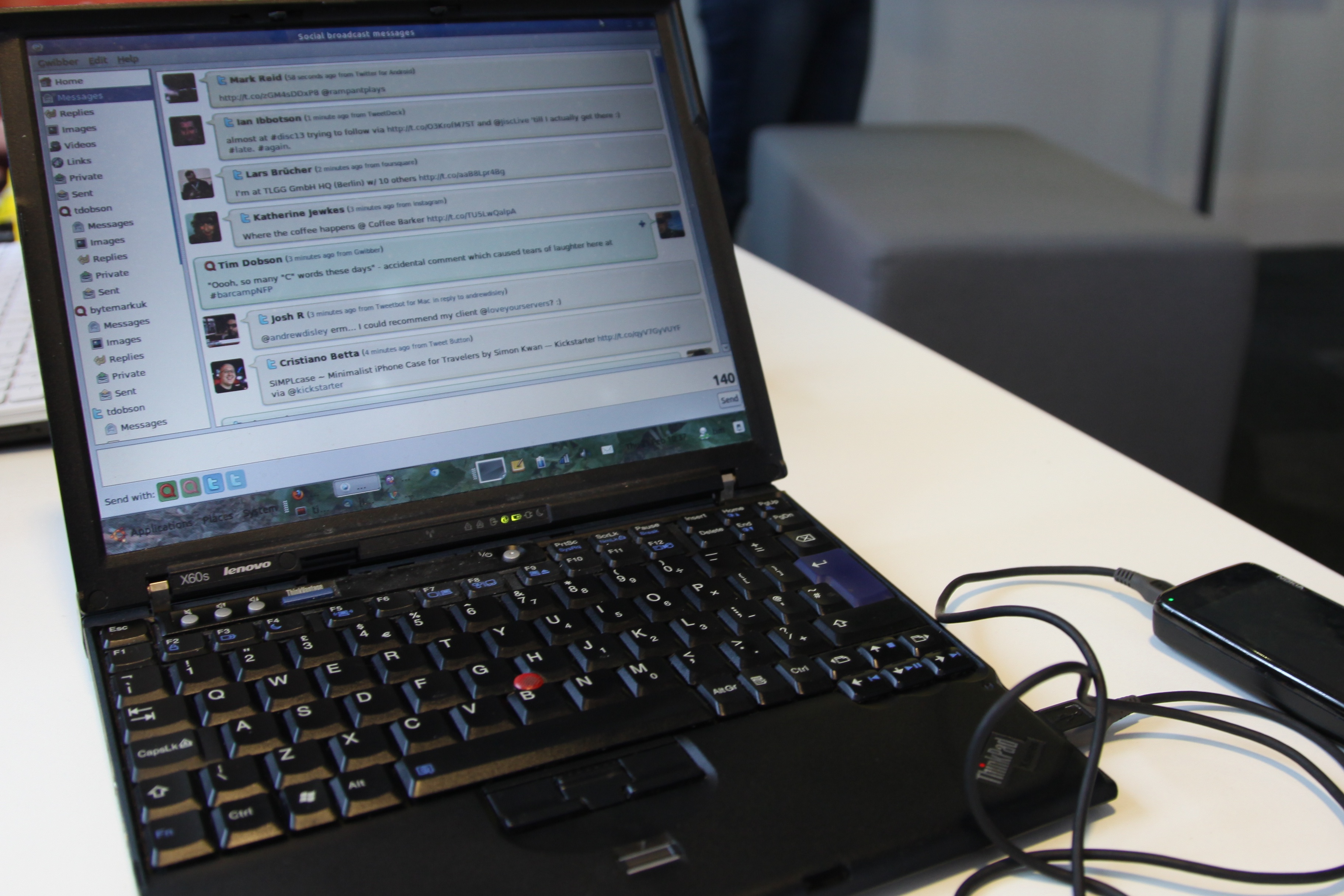
Sometimes it’s hard not be impressed by small hacks that seem so obvious, yet you’d have never thought of til you saw it.
Lenovo/IBM’s line of Thinkpad laptops have traditionally have a “ThinkLight”, an LED, located on the top edge of the display, illuminating the keyboard to allow typing in poor lighting conditions.
I blissfully used the feature, without thinking of the possibilities, until I found a package in the Debian repositories called:
pidgin-blinklight
When you install pidgin-blinklight:
sudo aptitude install pidgin-blinklight
you will find that there’s a new one to enable and configure in your pidgin plugins list.
Once you enable it, you’ll find that, no matter when your sound is muted (eg you’re on a train), when you receive a new instant message, your ThinkLight will blink on and off – alert you that you’ve just received a message. I find it very useful, because I often have my laptop speakers muted, and sometimes don’t notice the flashing little icon in the corner for some time. The simple flash of the light is very noticeable, yet not distracting or annoying to people around me.
I liked it so much, and emailed the maintainer of the Debian package to thank him for his work – he responded:
Hi,
Am Dienstag, den 31.12.2013, 12:27 +0000 schrieb Tim Dobson:
I just wanted to say thanks for pidgin-blinklight. I've just
discovered it and, as simple as it is, it's made me very happy. I just
wanted to say thanks - I really appreciate it!
glad to hear that!
Unfortunately, I cannot use it myself these days, as the Thinklight in
the T430 series is not software-controllable any more
Greetings,
Joachim
So the author of this super-cool hack, maintains the piece of code, even though he can’t use it any more? What a guy!
When you think that a simple light, to provide light for your keyboard, can be gently hacked in a super-useful way, and not lose any existing functionality, you start to wonder: what else could be tweaked to make your life easier?